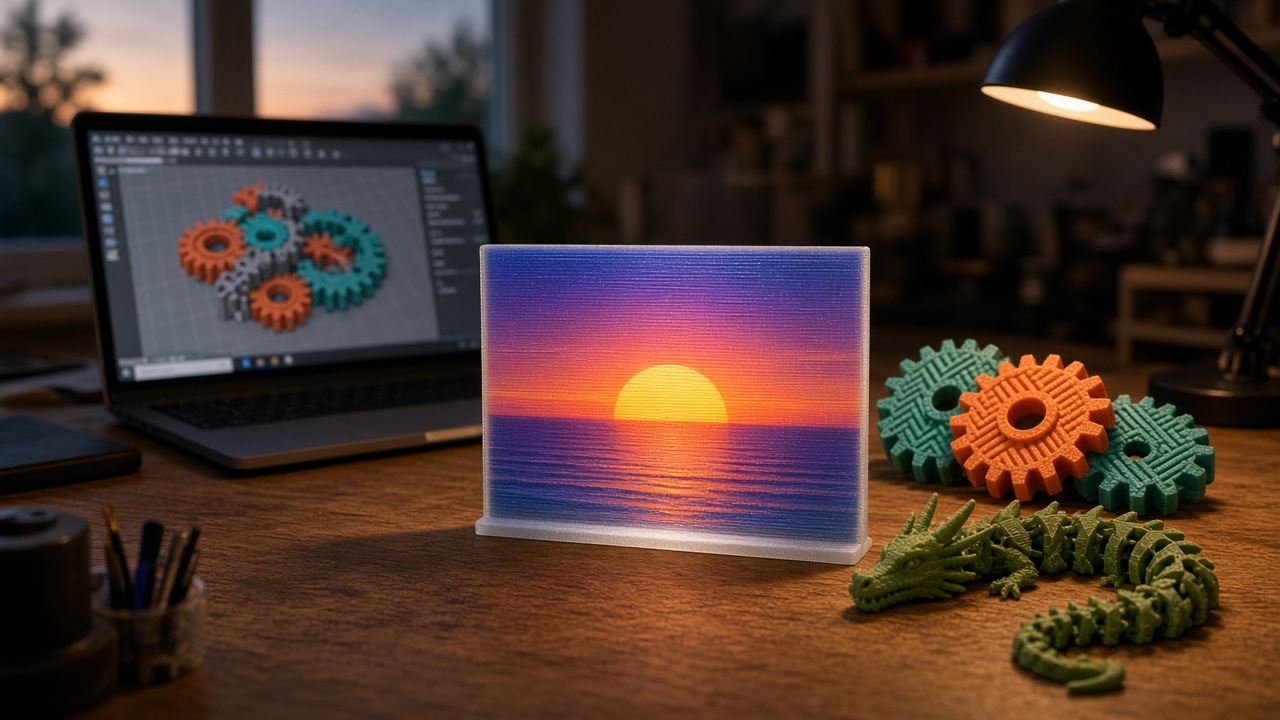
New: gears for everything, colour lithophanes, flexible models — and the 3D Designer on Windows
The 3D Designer now makes every kind of gear (helical, bevel, worm, rack, planetary, belt drives) and turns them on screen to check they mesh. Plus full-colour CMYK lithophanes for four-filament printers, print-in-place articulated models, and the 3D Designer as a Windows app.
A big week on 3d-lithophane.com. The 3D Designer has learned to make gears of every kind, to turn your models into flexible print-in-place creatures, and it now runs as a Windows program too. And lithophanes have gone full colour.
Gears for everything that turns
Open the 3D Designer and look under Create → Gears. Every gear is built to mesh, ready to print:
- Gears and ring gears: a classic spur gear, or a ring with its teeth inside or outside, for a turntable or a gearbox.
- Helical and herringbone gears: angled teeth that run quieter and smoother, or the V-shaped herringbone that stays in place on its own.
- Bevel and miter gears: two gears meeting at 90 degrees, to turn a drive round a corner.
- Worm and worm wheel: a huge reduction in a small space, and it holds its position when the motor stops.
- Rack and pinion: turn rotation into a straight slide.
- Planetary gear sets: sun, planets and ring in one go, ready to print assembled.
- GT2 pulleys, belts and belt clamps: the same belt your printer uses, at any length.
Select one gear and press Match selected gear: the partner comes out the right size, the right way round, in exactly the right place. Then Turn the gears sets the whole train moving on screen and shows anything that collides, before you print a thing. Changed your mind? Every gear keeps its settings, so you can open it again and edit it.
The new Gear calculator finds the teeth for the ratio you want (one stage, two, a worm or a planetary set), works out the sizes, and tells you the speed and torque at the other end. It is in early access for Supporters now, and open to everyone from 3 November.
Not sure where to start? Create → Gears → Gear demos has 16 ready-made machines to open, turn and print, from a simple gear pair to a clock with seconds, minutes and hours. Try every gear type in one machine, or the herringbone gear bearing and 1:27 gear tower.
Colour lithophanes (CMYK)
Lithophanes now come in full colour. The new Colour lithophane (CMYK) (menu: Lithophane → Colour (CMYK)) lays thin cyan, magenta and yellow layers over a white lithophane, so your photo lights up in its own colours.
- Made for printers with four filaments: a Bambu Lab AMS, a Creality CFS or a Prusa MMU.
- One download, ready to print: a 3MF for Bambu Studio, OrcaSlicer, Creality Print or PrusaSlicer, with every colour already on its own filament, or STLs for any slicer.
- Presets for Bambu Lab's CMYK lithophane filaments and for Creality's colours, and every colour can be tuned to your own spools.
- One click sizes it for Bambu Lab's lithophane frame and backlight.
Print it lying flat, the colour side down, and light it from behind.
Articulated models: print it, and it moves
Turn almost any model into a flexible, print-in-place one: the flexi snakes and dragons everyone loves, made from your own design. Select a part and open Create → Articulate:
- Along the body cuts it into hinged segments that come off the printer already moving.
- Add a joint where I click puts a joint at an elbow, a knee or a neck.
- Ball and socket joints bend any way.
- Bend it moves the joints on screen, makes it wiggle, and checks that no two pieces collide in that pose.
Five articulated demos are waiting under Create → Articulate → Articulated demos: a flexi snake, a robot arm with a gripper, a dragon and more. Articulate is in early access for Supporters now, and open to everyone from 3 November.
The 3D Designer, now on Windows
The 3D Designer is now a Windows program as well: full screen, no browser, everything the website's designer does. Sign in with your 3d-lithophane.com account, and your designs are the same ones you see on the website. Save on the website, carry on in the app, and the other way round. You can even design without the internet, and save to a file.
The Windows app is part of Supporter: download it from the Supporter page.
Try it
Everything above is in the 3D Designer and the Colour lithophane page today. Print something that moves, something that turns, or something in colour, and show us in the Gallery.
Happy printing!