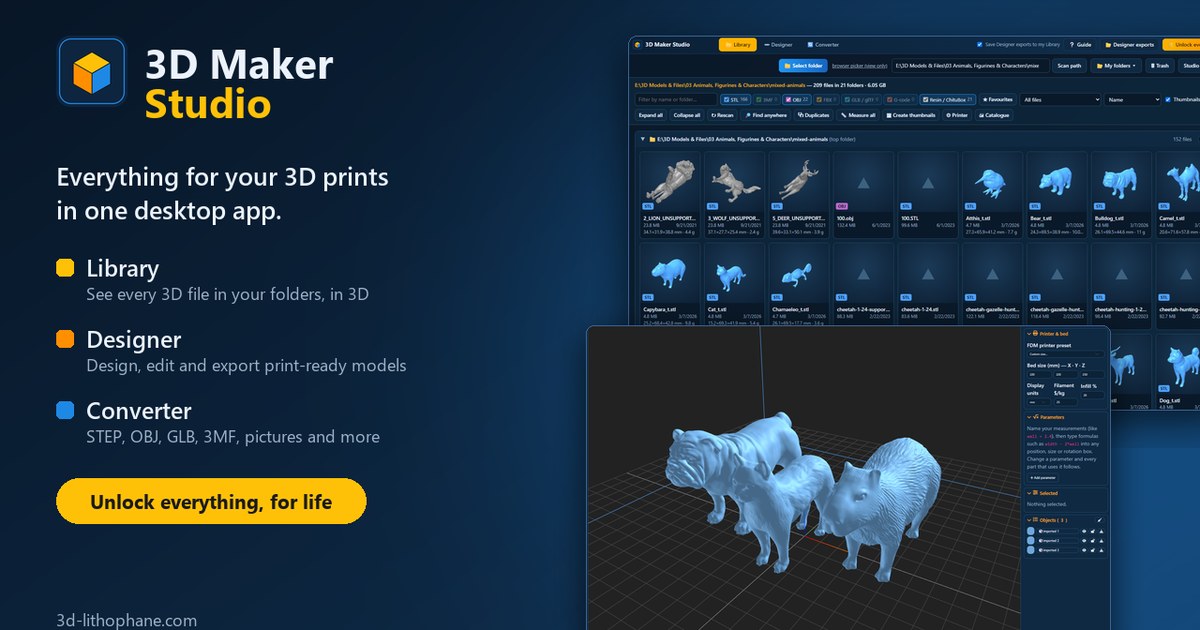
3D Maker Studio: Everything for Your Prints, in One App, From 1 November
From 1 November, the 3D Designer and 3D Previewer desktop apps come together on your workbench, free to download for Windows and Mac.
Hi there,
For a while now my tools have lived in different places: the 3D Previewer to find your models, the 3D Designer to make them, a file converter and an image editor on the website. They all work, but you end up jumping between windows and hunting for the file you just saved. So I put them together, and on 1 November I am releasing 3D Maker Studio: one desktop app for Windows and Mac, with everything in one window.
Here is what is in it.
Your Library. Point it at a folder and see every 3D file inside it in 3D, sub-folders included: STL, 3MF, OBJ, FBX, GLB, G-code and resin files. Search, sort, tag, mark favourites, find duplicates, and see the size, weight and cost of every model before you print it.
The 3D Designer. The full 3D Designer v2 in its own tab: shapes, text, holes, gears, threads, hollowing, cutting, moulds, lattices and colours for multi-colour prints. Export STL, a 3MF with colours, OBJ or GLB.
A File converter. Open almost any 3D file, even STEP and IGES files from CAD programs, and save it as STL, OBJ, GLB or a 3MF that keeps its colours for your AMS or CFS.
A Picture editor. Crop, straighten, paint out what you don't want and add text. Save it as PNG, JPG or WebP, in greyscale or black and white, or as a dotted black and white made for laser engraving.
They all work together. This is the part I like best. Right-click any model in your Library and open it in the Designer or the converter. Everything you export from the Designer is saved straight into your Library, so you never have to look for it again. A picture can go from the Pictures tab into your design as a raised picture, a decal, a reference to trace, or a multi-colour keychain.
Your files stay on your computer. Nothing is uploaded when you browse, design or convert, and the user guide is built in: press F1 at any time.
Launch price for the first week. The Studio is free to download and try, with the same daily limits as the website and up to 1,000 files per folder in the Library. Unlocking everything for life costs $24.97 from 1 to 7 November, and $39 after that. That is every tab without limits, unlimited saves and exports in every format, 30 AI models a month in the Designer for the first 12 months, and 30 days of Supporter on the website as a thank you. One purchase works on Windows and Mac.
Already have the 3D Designer or 3D Previewer app? Then you don't buy anything again. What you bought carries over: the Designer unlock opens the Designer tab, the 3D Previewer unlock opens the Library tab, and the bundle opens everything. You can download the Studio now, before everyone else. The separate apps keep working until 31 December 2026, and then 3D Maker Studio takes their place.
👉 Get 3D Maker Studio for Windows or Mac
👉 Read the user guide
I would love to hear what you think once you have tried it. Reply to this email and tell me.
Happy printing,
Danie