3D Lithophane - Meet 3D Maker Studio: all your 3D tools in one app
Your models, the Designer, a converter, pictures and colour painting together, for Windows and Mac. Coming Soon!!!! Download it from 1 November 2026.
Hi there,
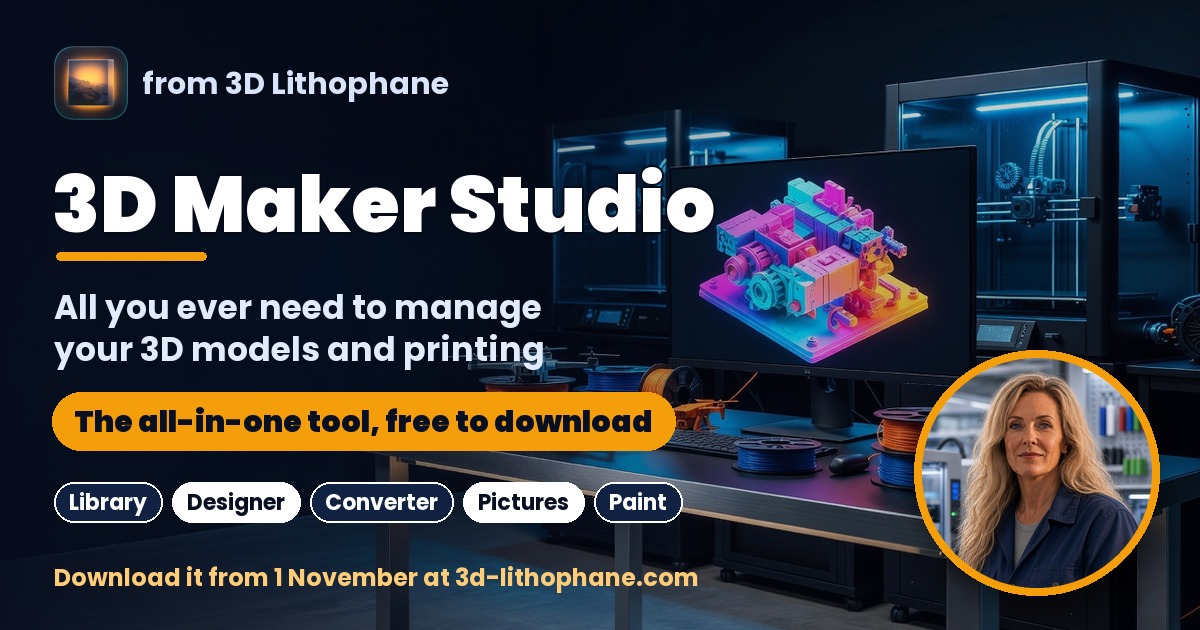
I have been putting all my tools into one place, and it is nearly ready: 3D Maker Studio, all you ever need to manage your 3D models and your printing, in one app for Windows and Mac. You can download it from 1 November.
Here is what is inside.
The Library. Every 3D file on your computer, shown in 3D: STL, 3MF, OBJ, GLB and more, with a picture of each one, its size and weight. Click a model to turn it around, check it before you print, find the best way up, and send it straight to your slicer.
The Designer. The full 3D Designer, in its own window: shapes, gears, moulds, lattices, keychains, splitting big models and everything else you know from the site.
The Converter. Turn any file into the format you need, from CAD files like STEP to STL or a 3MF with colours for your slicer.
Pictures. Crop, paint, add text or clone out what you do not want, then turn a picture into a raised picture, a decal or a multi-colour keychain.
Paint. Paint your models in colour for a multi-colour print, with a round or square brush, one-click fills and height bands. Save your printer's setup (your AMS or CFS colours in order) once, and every 3MF you save is ready for that printer.
Exports to my Library. Everything you export lands in one folder, Designer exports, right in your Library, so you never hunt for a file again.
It is free to download, and the user guide walks you through every tab, step by step.
👉 See 3D Maker Studio
👉 Read the user guide
I would love to hear what you think. Reply to this email and tell me which tool you will use first.
Happy printing,
Danie