3D Lithophane - Mechanism, the newest tab in 3D Maker Studio ⚙️
A look at gears, belts and lead screws, and the new Mechanism tab taking shape in 3D Maker Studio.
Hi there,
3D Studio Maker is just released. And here is the suprise add-on. Mechanism.
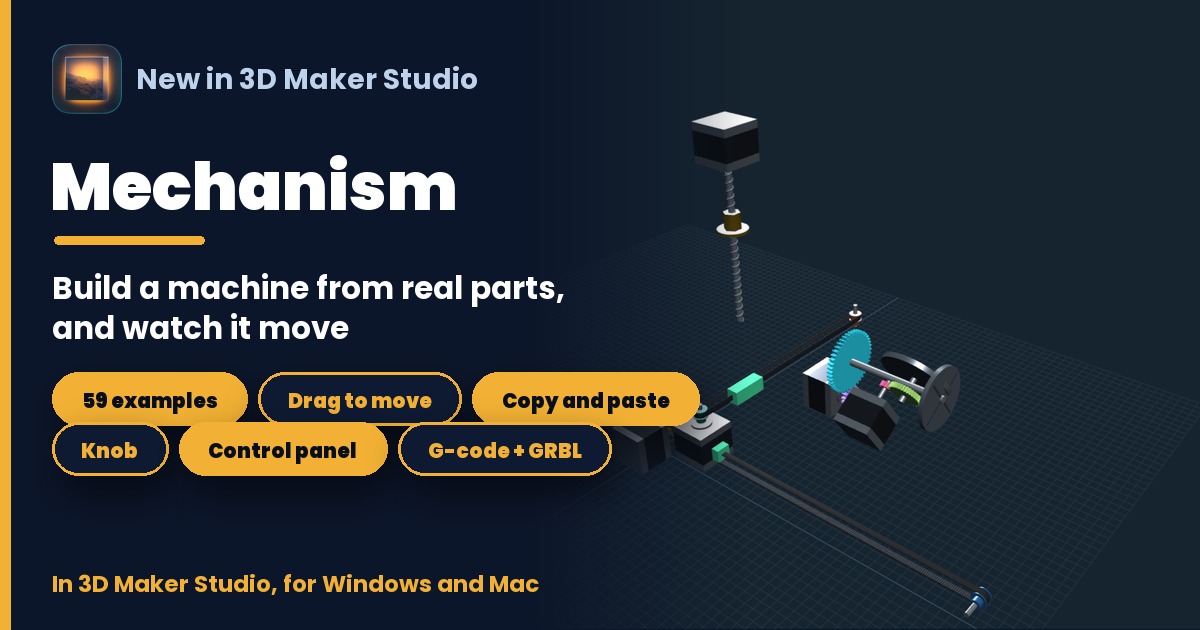
Have you ever printed all the parts of a machine, put it together, and only then found that two gears do not mesh? That is exactly why I made Mechanism, the newest tab in 3D Maker Studio. You build your machine from real parts on screen (STL/3mf or OBJ) created in 3d Designer or your own favorite software) and watch it move before you print anything.
Almost sixty examples. Gearboxes, belts, lead screws, a 3D printer, a five-axis machine, cars, robots and circuits. Open one, press Play, and see how it works.
Build your own. Add a motor, gears, a belt or a threaded rod, and each part goes where it belongs. Mechanism shows how fast every shaft turns, which way, and the steps per mm your controller needs.
Easy to change. Drag a part to move it, or use its arrows and rings to move and turn it exactly. Right-click a part to copy, paste, duplicate or delete it.
A knob. Put a knob on a threaded rod and turn it by hand. The nut moves as you turn.
Like a real machine. The control panel jogs, homes and moves every axis. Load a G-code file and watch your machine run the job, or tick Use GRBL and type real GRBL commands to a pretend board, to learn how it all works. Every window floats, so you can move it anywhere or close it to see the whole machine.
Foam, cars and circuits. Add a hot wire and both towers come with it. Build a car or a robot and drive it with your keyboard. Wire up circuits where LEDs light up, motors turn and meters show the volts and amps, and turn a dimmer's knob to see the bulb change.
Your own parts. Open your own models, in colour, and save them as parts to use again.
Mechanism is part of 3D Maker Studio, for Windows and Mac.
For CNC, Foam, Laser or Lathe users. Use your G-Code and run a 3D Simulation on your Virtual Machine.
🖥 Watch our Youtube Demo Video
I would love to see what you build with it. Please upload to the gallery for extra credits.
Happy making,
Danie