CNC Router Studio: From the Idea to the Cut
A look at CNC Router Studio, where photo carving, cut-outs, V-carve signs and circuit board milling all come together in one place.
Hi there,
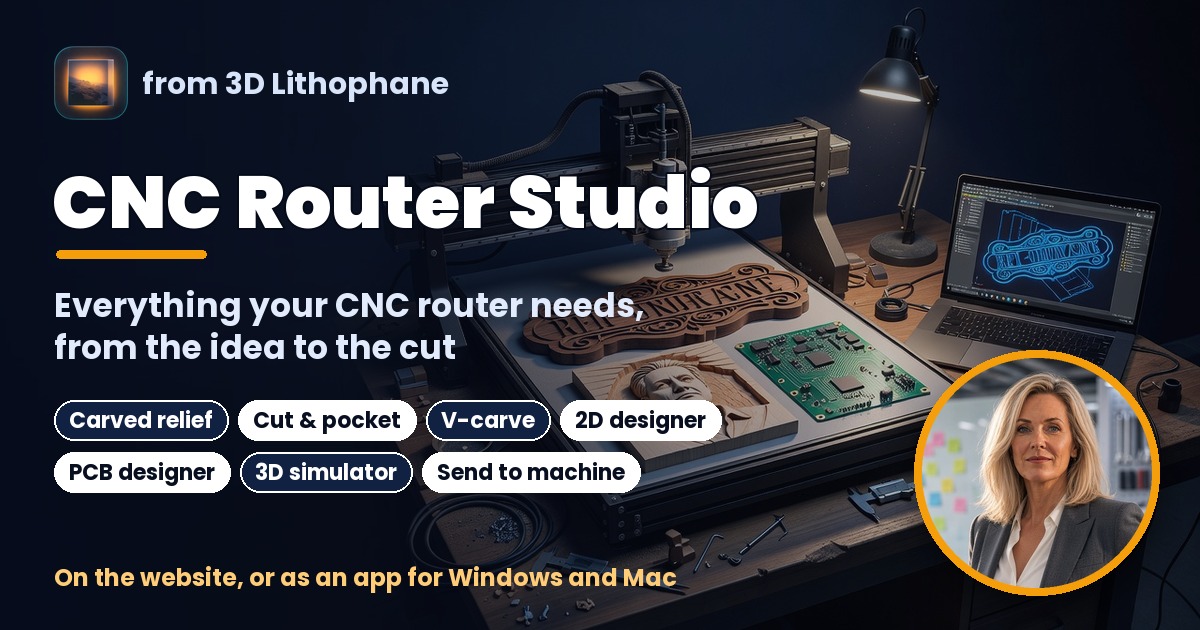
If you have a CNC router in the workshop or even curious about CNC, this one is for you. I have put everything your router needs into one place: CNC Router Studio. Here is what it can do.
Carved relief. Load any photo and it becomes a carving in wood. You see the surface your cutter will really leave before you cut a thing.
Cut & pocket. Bring an outline, a drawing or a traced picture, and cut the shape out or pocket the inside, with proper tool offsets and tabs to hold the part.
V-carve. Type your words, pick a font, and get crisp lettering for signs and gifts, with the depth following every stroke.
2D designer. Draw your own shapes and text right on the board, and choose where each one cuts.
PCB designer. Design a simple circuit board, place the parts and draw the copper lines, then mill it on your router.
3D simulator. Watch every cut happen in a block of wood on screen before your cutter does it for real. It takes any GRBL file.
Send to machine. Connect your GRBL router over USB, jog, set zero and run the job, with a simulated machine to try every button first.
You can use it right on the website, or as an app for Windows and Mac. It is free with your 3d-lithophane.com account, and the user guide walks you through every tool, step by step.
👉 Open CNC Router Studio
👉 Read the user guide
Checkout the Youtube Video HERE
I would love to see what you make with it. Please upload to the Gallery and earn Credits.
Happy printing, Routing and Lasering!!,
Danie