New: the book, From Idea to Print
7 Oct 2026
Latest
A step-by-step guide for beginners to 3D design and 3D printing, with the tools on this site.
-
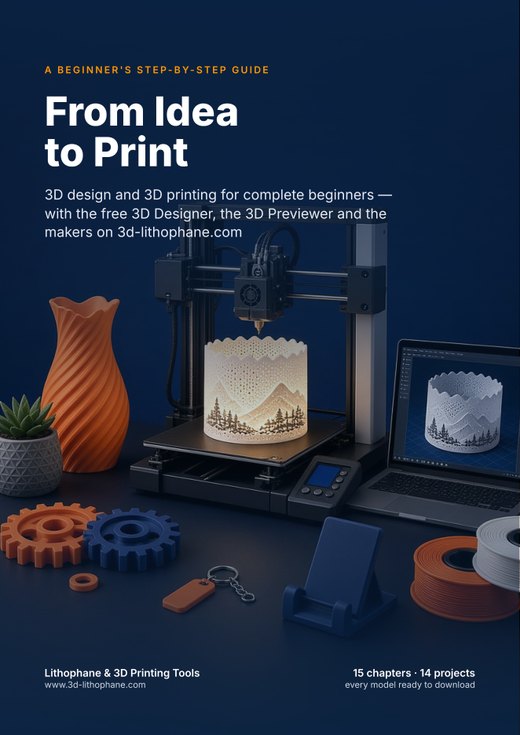
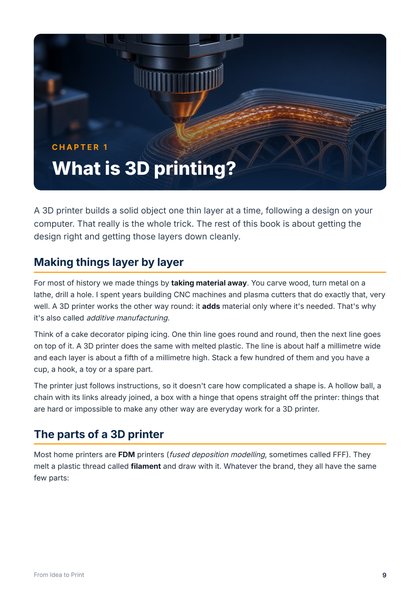
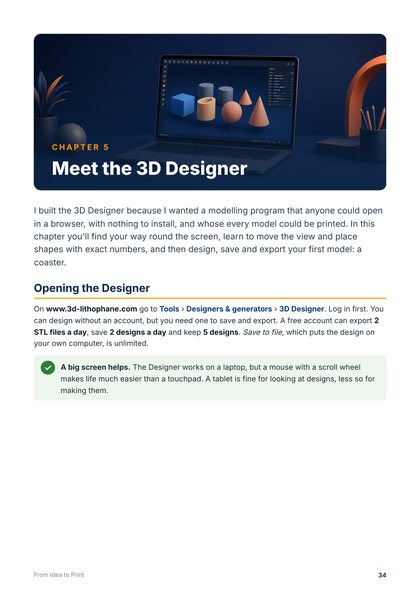
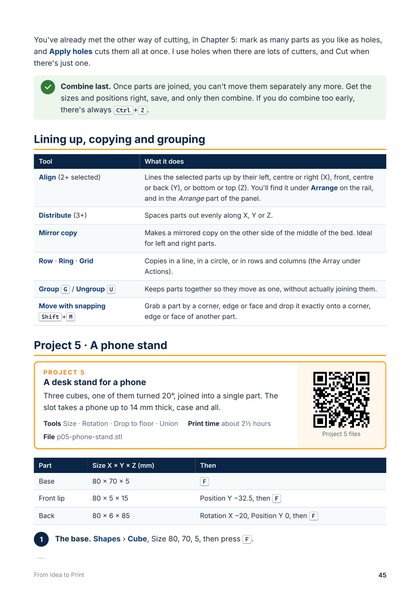
From Idea to Print: 107 pages and 14 projects, from your first calibration cube to gears that turn, a photo lithophane and a spiral vase, with a screenshot for every step.
-
Read the first pages free, no account needed: the free sample is on the book’s page.
-
Free with Supporter and Supporter Plus, yours to keep. Already supporting? It is waiting on your account. Or buy it on its own for $15.
-
Every project’s files to download, and every project works on a free account.
New: Hanging Lithophane Light
7 Oct 2026
Your photo in a lamp shade — a bell, a dome, a lantern or your own shape — ready for a lamp holder.
-
New: Hanging lithophane light (menu: Lithophane → Hanging light). Nine shapes to start from — bell, dome, lantern, tulip, vase, pear, drum, cone, cylinder — and nine diameters to make it your own.
-
See it lit: switch the light on in the 3D preview and watch your photo glow through the shade before you print it.
-
Ready to hang: a top with a hole for an E27 or E14 lamp holder, a cord, or your own size. It prints mouth down with no supports.
-
Beta testers first: while we test it on real printers it is open to beta testers, with no daily limit. Send us a photo of your print and earn Supporter Plus days.
New: hooks, shelves and bins for the Honeycomb Wall
6 Oct 2026
Things to hang on your Honeycomb Storage Wall, made to your own measurements.
-
Hooks and hangers on the Honeycomb Wall page: any reach, any tip, one prong or two (a fork for cables, headphones, a bag).
-
Shelves and bins any width, depth and height, with dividers and a square, scoop or sloped front. The plugs land on the right cells by themselves.
-
Tool holders: a row of holes for screwdrivers and hex keys, keyholes a cable snaps into, or open slots for pliers. And a magnet insert for knives and bits.
-
The same plug as the original, measured from RostaP’s shelves: everything prints upright with no supports and pushes into a hook-socket insert.
-
Straight edges: tick top, bottom, left or right on a panel and its zigzag edge is filled in square, for a wall with a neat rectangular frame. Inserts can have the socket turned 30° for a wall hung the other way, and a double can mix two middles (a wall screw beside a hook socket).
New: Honeycomb Wall
6 Oct 2026
Panels and click-in inserts for the Honeycomb Storage Wall — the hexagon pegboard everyone is printing.
-
New: Honeycomb Wall (menu: Tools → Designers & generators). Wall panels sized to fill your printer’s bed, with the honeycomb edge, so they sit edge to edge with each other and with RostaP’s.
-
Inserts that click in: a hook socket, M3, M4 and M5 nut inserts for screwing holders on, a countersunk wall-screw insert for hanging the wall, a blank — and doubles that bridge two cells.
-
Measured from the original and checked against it, so they fit the hundreds of hooks and holders already made for it. Free with a free account; the design is RostaP’s (CC BY-NC), so they are for your own use.
New: colour lithophanes (CMYK)
4 Oct 2026
A lithophane in full colour, for a printer with four filaments — a Bambu Lab AMS, a Creality CFS or a Prusa MMU.
-
New: Colour lithophane (CMYK) (menu: Lithophane → Colour (CMYK)). Thin cyan, magenta and yellow layers at the front tint a white lithophane behind them, so the photo lights up in its own colours. Pick a photo, see it lit in colour, and download.
-
One file, ready to print. A 3MF for Bambu Studio, OrcaSlicer, Creality Print or PrusaSlicer, with each colour already its own part on its own filament and the lithophane settings set — or a ZIP of STLs, one per filament, for any slicer.
-
Your filaments. Presets for Bambu Lab’s CMYK lithophane bundle and for Creality’s colours, every colour editable, each on the filament slot you choose — and a strength setting per colour to tune it after a test print. 144 × 108 mm in one click, to fit Bambu Lab’s lithophane frame.