Software
Our desktop apps for Windows and Mac: download them here
The apps run on your own computer and work with your 3D files straight from your folders. Each download button is on the app's card below. Some downloads need you to be logged in, so the site knows whose copy it is; registration is free.
3D Maker Studio Coming 1 November 2026
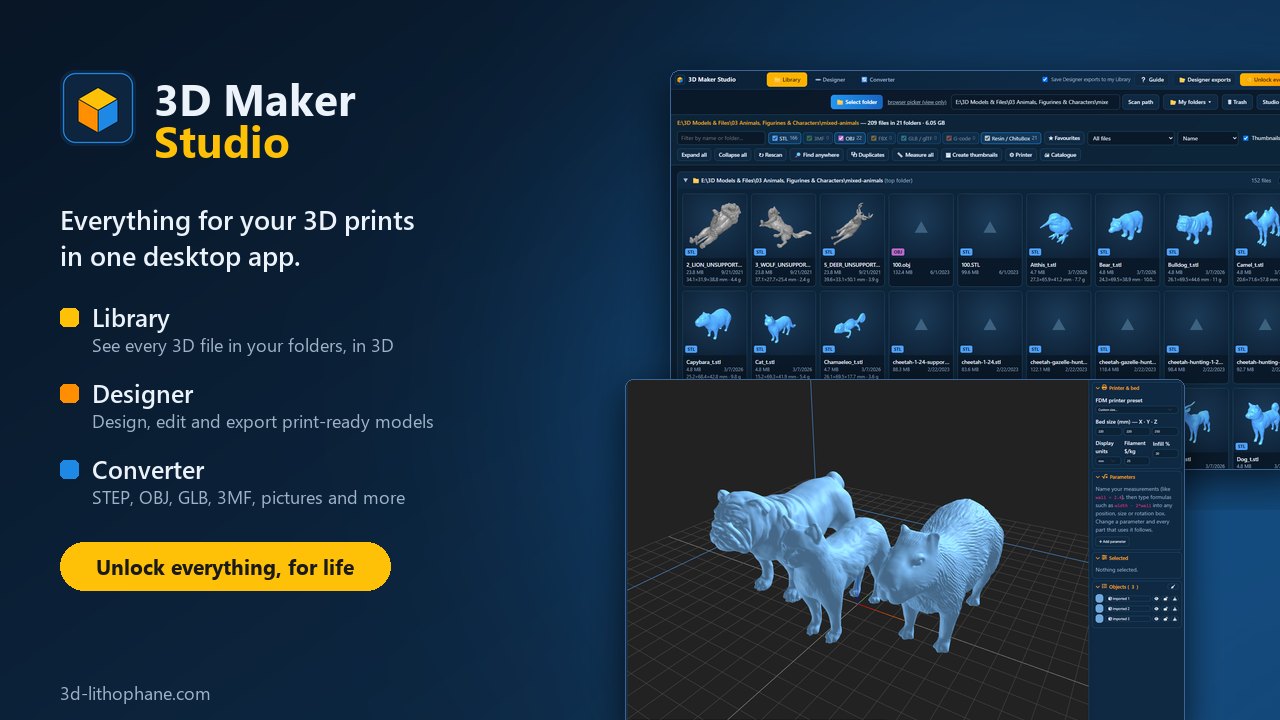
Everything for your 3D prints in one desktop app. Your 3D files, the 3D Designer and the File converter, side by side in one window.
- Library: every 3D file in your folders, previewed in 3D, searched, tagged and measured
- Designer: design and edit models, export STL, 3MF with colours, OBJ and GLB
- Converter: STEP, OBJ, GLB, 3MF and more, pictures too
- Paint: paint a model in several colours with brushes and fills, and save a 3MF your slicer shows in colour
- All connected: right-click a model to open it in the Designer, and your Designer exports land in your Library by themselves
3D Previewer
Our free Windows and Mac app for 3D-print collectors: point it at any folder and see every STL, 3MF, OBJ, FBX, GLB and glTF inside, with real 3D thumbnails, true size, weight and cost, a bed-fit check, duplicates, tags and more. Sign in with your 3d-lithophane.com account.
- Free account — up to 1,000 files per folder scan
- 3D Previewer Supporter — every file in every folder, for life
- Plus 30 days of Supporter here on 3d-lithophane.com — unlimited lithophanes, tools and designer exports
First time on a Mac
- Open the downloaded zip and drag 3D Previewer into Applications.
- Open it from Applications. macOS says it cannot check the app: click Done, then go to System Settings → Privacy & Security and click Open Anyway (once only).
- On an Apple-chip Mac, macOS may offer to install Rosetta first: say yes.
3D Designer for Windows and Mac
Our 3D Designer as a Windows and Mac app: the same tools, in its own window, with your whole screen to work in. Sign in with your 3d-lithophane.com account — your saved designs and shapes are the same in the app and on the website.
- Free to use — 2 saves and 2 STL exports a day, as on the website
- Unlock for life — $15 once — unlimited saves and exports in every format, every tool, and 30 AI models a month for the first 12 months. One purchase, Windows and Mac
- Supporter and Supporter Plus — everything included, in the apps and on the website
- On a Mac — it opens the designer from this website in its own window and Dock icon, so it is always the latest (it needs the internet)
First time on a Mac
- Open the downloaded zip and drag 3D Designer into Applications.
- Open it from Applications. macOS says it cannot check the app: click Done, then go to System Settings → Privacy & Security and click Open Anyway (once only).
- On an Apple-chip Mac, macOS may offer to install Rosetta first: say yes.
Unlock the app for life — $15 3D Previewer + 3D Designer — $25
More to download
- Free STL models: ready-to-print models and lithophanes, free with an account.
- The book, From Idea to Print: the PDF and its project files. Free for Supporters, or a free sample to read first.
- Supporter: what the website's free and paid plans include.
Can't find a download, or an app won't start? Write to support@3d-lithophane.com and say which app and which computer (Windows or Mac).