Choosing the Right Photo for a Lithophane
Not every photo makes a great lithophane. Here's how to pick one that will actually glow.
A lithophane only works if light can pass through it unevenly, so the photo you choose matters more than almost any other step. Before you upload anything to the Flat lithophane maker, it helps to know what makes a photo print well.
Contrast is everything
Look for a clear difference between light and dark areas. A face lit from one side, a sunset with a strong silhouette, or a pet against a plain background will all translate into rich detail once the light shines through. Flat, evenly lit photos tend to come out grey and muddy, because there is not enough range for the printer to carve into.
Keep the background simple
Busy backgrounds confuse the eye once everything becomes shades of white plastic. A cluttered scene that looks fine on a phone screen can turn into a blur of texture in print. If your photo has a messy background, try the Image editor to crop in tight on the subject or soften the background before you convert it.
If you want the subject to stand alone entirely, with the background removed so only the person or object glows, that is exactly what the Cut-out lithophane is for (part of Supporter Plus).
Resolution and focus
A sharp, reasonably high-resolution photo gives the tool more detail to work with. Blurry or heavily compressed images will still make a lithophane, but fine details like eyelashes or text will soften or disappear. Portrait photos taken in good daylight, without heavy filters, usually give the best results.
Think about the shape
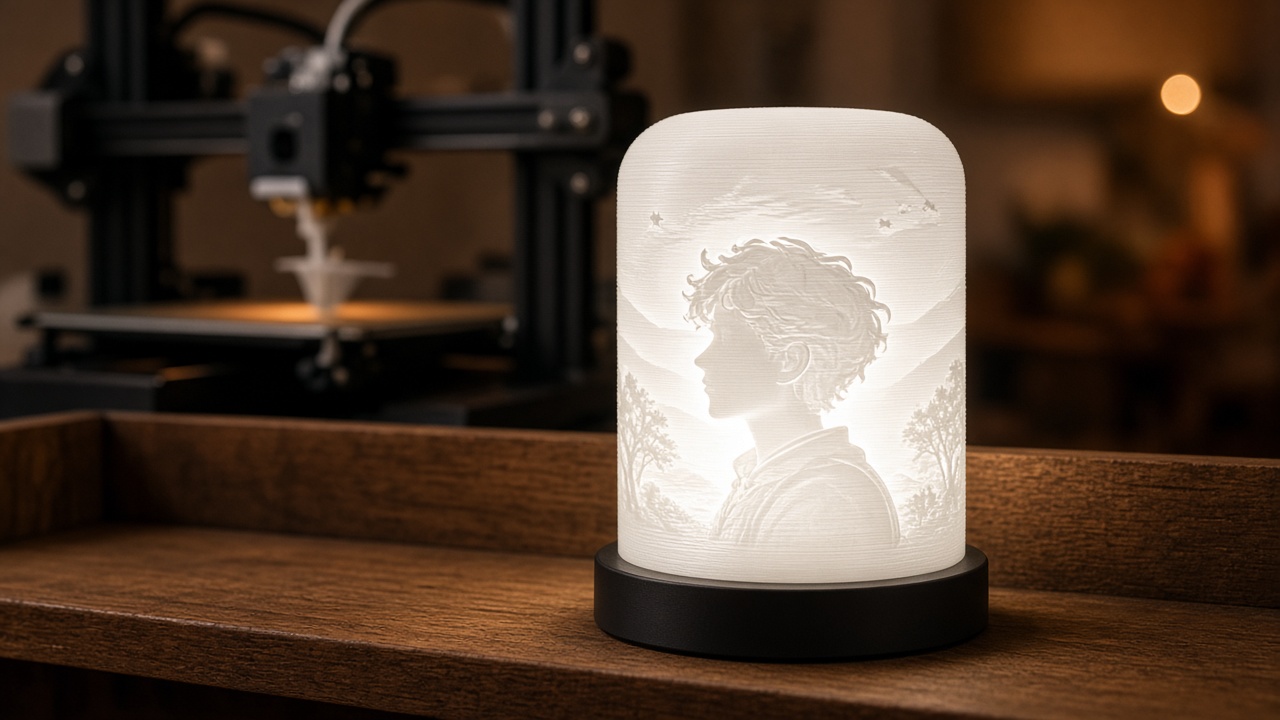
The photo you pick can also depend on where the lithophane will live. A tall portrait suits a the Curved & cylinder lithophane cylinder lamp, while a landscape or square photo might work better as a flat panel or on a the Cone lampshade lithophane lampshade. If you have several favourite photos of the same person or pet, a the Cube lithophane lamp lets you show four sides at once.
A quick test before you commit
If you are not sure a photo will work, convert it small first and check the preview rather than sending a huge file straight to print. It costs nothing to try a few different photos and compare the results before you commit to filament and print time.
Good lithophanes start with good source photos, not clever settings. Spend a few minutes picking and cropping the right image, and the print will do the rest.
Ready to try one? Head to the Flat lithophane maker and see how your favourite photo looks as a glowing lithophane.